
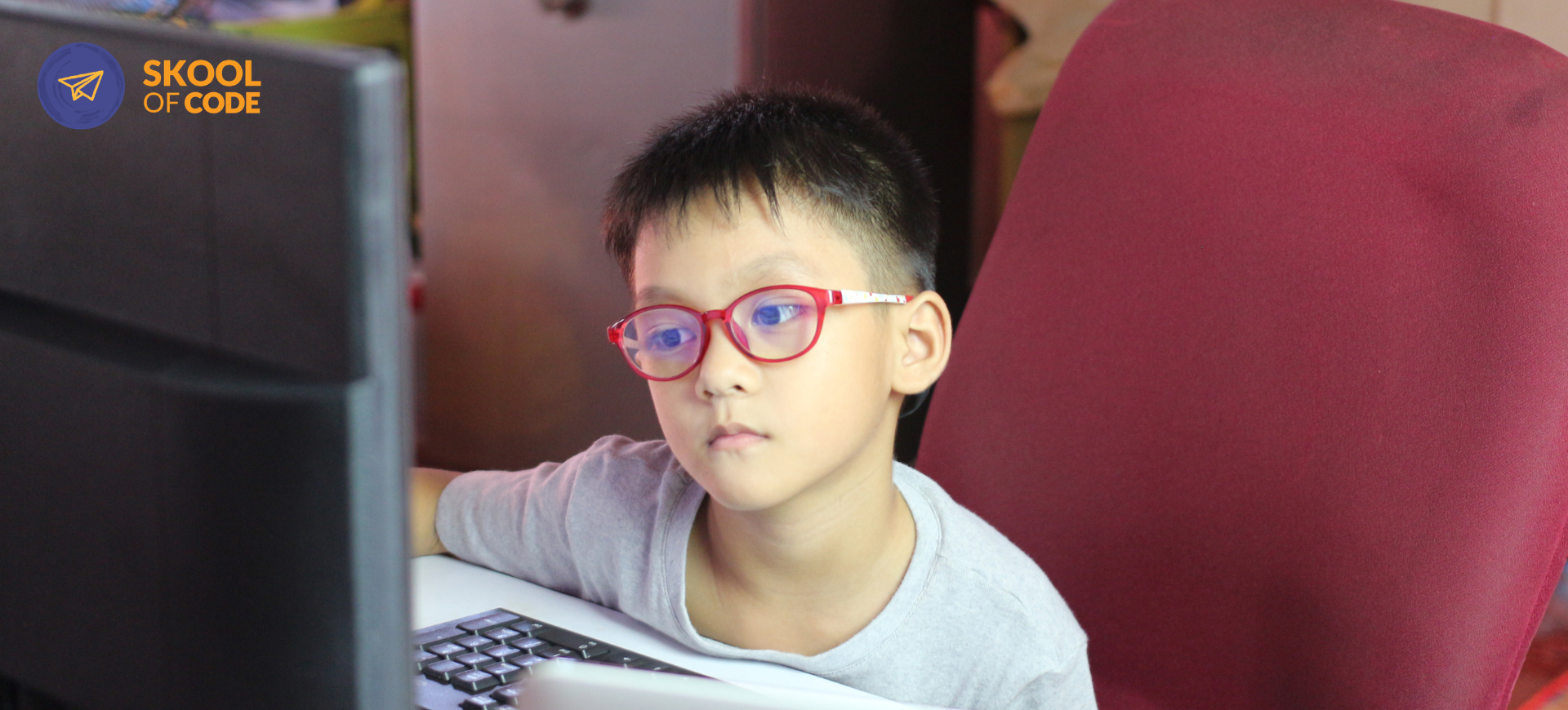
Free Trial Coding Class for Kids: An Honest Guide for Hesitant Parents
If you are like most parents we talk to, you probably have a tab open right now for a free trial coding class for kids. You know coding is a valuable skill for the future, but you might be hesitating. Maybe you’re worried it will be a high-pressure sales pitch, or that your child will find it frustrating, or that it’s just one more screen-time battle you don’t want to fight.
We hear this often in our “office hours” with parents. The goal of a trial class isn’t to sign you up for a lifetime commitment; it’s to see if the spark is there. It’s a diagnostic tool for you as much as it is a lesson for your child.
If you’re curious how this looks in practice, you can book a free trial class to see our educators in action.
What Actually Happens in a Trial Class?
A trial class at SkoolOfCode is a genuine, 60-minute instructional session. It is not a recorded video or a self-paced tutorial. Your child is paired with a qualified teacher—someone with a Computer Science background who knows how to talk to kids.
Here is the typical rhythm:
- The Meet-and-Greet (5-10 mins): The teacher chats with your child to gauge their interests. Do they like Minecraft? Are they into digital art? This helps the teacher tailor the session.
- The Hands-On Build (40 mins): This is the core of the class. Your child won’t just watch; they will build a mini-project. For younger kids, this might be making a character dance in Scratch. For older students, it might be writing their first lines of Python code.
- The Wrap-Up (5-10 mins): The teacher shows you what was built and gives an honest assessment of where your child might thrive best.
There is zero obligation to continue. If your child finishes the hour and says, “That wasn’t for me,” you’ve still given them an hour of high-quality logic training. You can read more about how this compares to other formats in our guide on live vs self-paced coding classes for kids.
A Real Story: The Sprite That Wouldn’t Spin
I remember a 9-year-old named Leo who joined a trial session last month. His mom told us he was “easily frustrated” and she wasn’t sure he’d make it through the hour.
Ten minutes in, Leo hit a bug. His character (a “sprite”) wouldn’t spin when he clicked it. In a self-paced app, he might have closed the laptop. But because he was in a live session, the teacher noticed his face drop immediately.
The teacher didn’t give him the answer. Instead, she asked, “If the character isn’t spinning, which block do you think is sleeping?” Leo laughed, found the disconnected block, and fixed it. By the end of the hour, he was adding sound effects he hadn’t even been asked to include. That’s the difference a live teacher makes. We see this often with easily frustrated children learning to code.
How to Prepare Your Child for Success
You don’t need to be a “tech parent” to set your child up for a great first experience. A little preparation goes a long way in reducing the “new class jitters.”
The Tech Checklist
- A working computer or laptop: Tablets are great for many things, but for a coding trial, a physical keyboard and mouse make a world of difference.
- A quiet spot: Coding requires focus. Try to find a corner away from the TV or siblings.
- Stable internet: A choppy connection can lead to frustration for the student.
The Mental Prep
Tell your child that this is an “exploration,” not a test. There are no grades. Encourage them to arrive five minutes early just to settle in and check their microphone. The goal is simply to see if they enjoy the process of building.
If you’re wondering what milestones are typical for different ages, our coding for 8-10 year olds guide offers a realistic look at what to expect.
What to Watch for During the Class
While your child is in the session, you don’t need to hover, but we do suggest keeping an ear out. You are looking for three specific signals to judge if this is the right fit:
- The “Lean-In” Factor: Is your child leaning toward the screen? Are they asking “What if I do this?” Curiosity is the best indicator of future success.
- The Teacher’s Attention: In our small-group or 1-on-1 formats, the teacher should be responding to your child’s specific pace. If the teacher is just reading from a script, it’s not the right fit.
- The Post-Class Energy: Does your child want to show you what they built the second the class ends? That pride of authorship is what keeps kids coming back week after week.
To get started, you can sign up for a free trial coding class and observe these signals for yourself.
How Age and Level Placement Works
One of the biggest concerns parents have is: “What if my kid is behind?” or “What if this is too easy?”
At SkoolOfCode, we don’t just place kids by their birthday. We use the trial class to assess their “computational maturity.”
- Ages 6–7: Focus on logic and sequencing using visual blocks.
- Ages 8–11: Moving into more complex logic, loops, and variables.
- Ages 12–17: Transitioning to text-based languages like Python or exploring AI and Robotics.
The teacher uses the trial to see how your child handles logic puzzles. If a 10-year-old has already mastered Scratch, we won’t make them repeat it; we’ll move them toward more challenging projects.
The Next Step
A trial class is a low-stakes way to answer a big question: Will my child enjoy learning the language of the future?
There is no pressure to buy a 12-month package at the end of the hour. Our goal is to provide a positive, educational experience that leaves your child feeling capable. If they love it, we can talk about the next steps. If not, they’ve still learned how to debug a problem and think logically for an hour.
If you’re ready to see if coding clicks for your child, you can book your free trial class today and pick a time that works for your family.
— The SkoolOfCode Team