
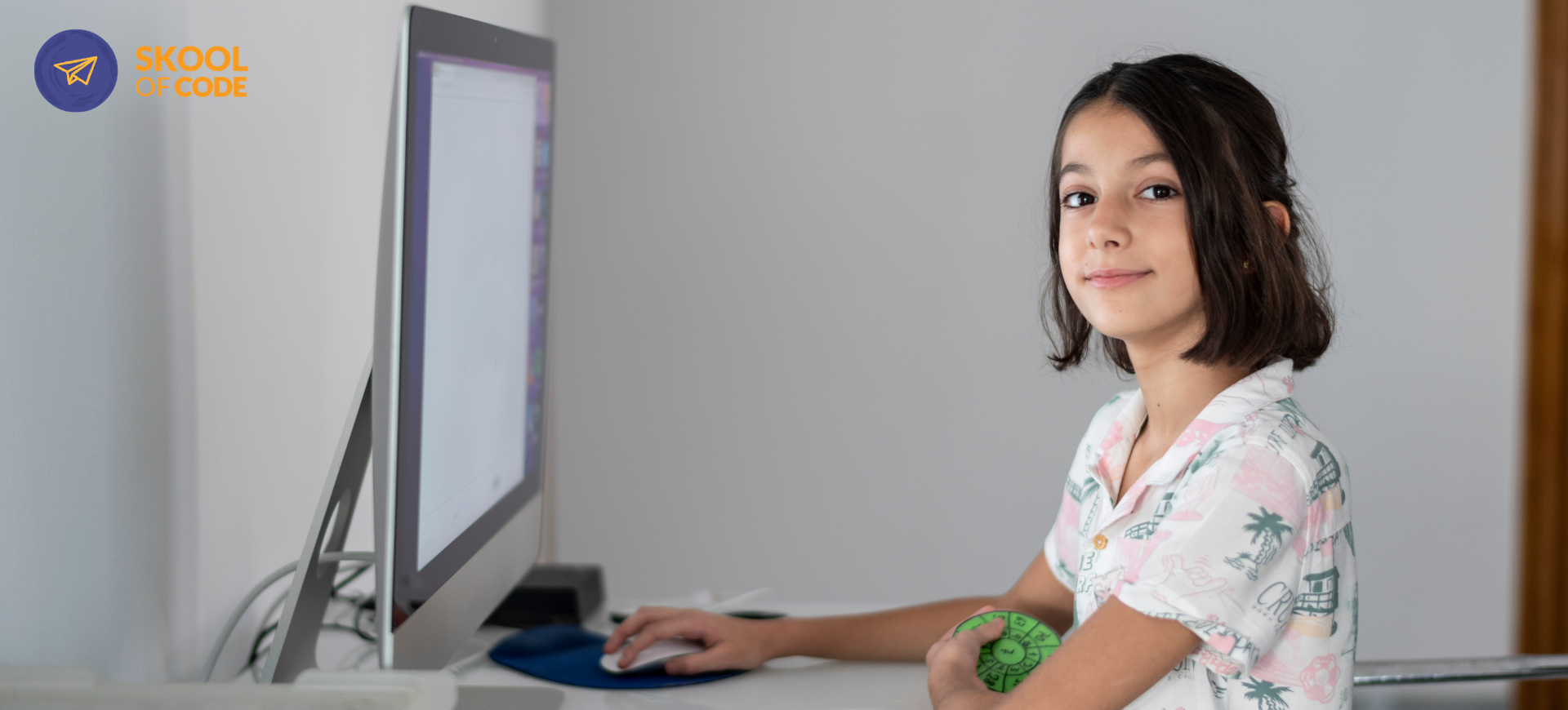
If you have a child between the ages of 8 and 10, you are likely seeing a shift in how they interact with technology. They aren’t just watching videos anymore; they are curious about how their favorite games work. You might be wondering if they are ready to start learning, or perhaps you worry they are already behind because the neighbor’s kid is apparently building a startup in their bedroom.
At SkoolOfCode, we have taught thousands of students in this exact age bracket. We call it the “sweet spot” for coding. At this age, children have the fine motor skills to type and the cognitive maturity to understand abstract logic, but they still have the playful fearlessness that makes “breaking” code feel like a fun puzzle rather than a failure.
This guide is designed to set realistic expectations. We want to strip away the marketing hype and show you exactly what coding for 8-10 year olds looks like when it’s done right.
Why 8 to 10 Is the Ideal Starting Window
In our experience, wait times matter. If you start a 5-year-old in a complex coding environment, they often get frustrated by the reading requirements. If you wait until 14, they might feel self-conscious about making mistakes.
Between 8 and 10, children cross a developmental threshold. They understand cause and effect. They can follow multi-step instructions. Most importantly, they are beginning to move from “concrete” thinking (what is right in front of them) to “logical” thinking (if I do this, then that will happen).
If your child is on the older end of this range, you might wonder is 9 too late to start coding? The short answer is no. In fact, starting at 9 or 10 often allows a child to progress through the basics faster because their reading and math skills are more robust.
If you are curious how this looks in practice, you can book a free trial class to see our educators in action.
The Realistic Month-by-Month Roadmap
When a child starts online coding classes for kids, progress isn’t a straight line. It’s a series of “aha” moments followed by periods of practice. Here is a realistic look at the first four months of a child’s journey, typically using a block-based language like Scratch.
Month 1: The Logic of Sequencing
In the first four weeks, the goal isn’t “mastery.” It is orientation. Your child will learn that a computer is actually quite “dumb”—it only does exactly what it is told, in the exact order it is told.
- What they build: Simple animations, like a character that walks across the screen or changes color when clicked.
- The “Aha” Moment: Realizing that the order of blocks matters. If the “Move” block comes after the “Say Hello” block, the character speaks before it walks.
- Common Sticking Point: The coordinate system. Understanding that “X” is left-to-right and “Y” is up-and-down is often the first real hurdle.
Month 2: Mastering the Loop
Once a child understands sequencing, we introduce loops. Instead of snapping ten “Move” blocks together, they learn to use one “Repeat” block.
- What they build: A basic “Catch” game where an object falls from the sky and the player has to move a basket to catch it.
- The “Aha” Moment: Seeing how much work a loop saves. This is the beginning of “computational thinking”—finding the most efficient way to solve a problem.
- Common Sticking Point: Infinite loops. We often see students create a loop that never ends, which can “freeze” their project. Learning to stop and reset is a major milestone.
Month 3: The Variable Hurdle
This is where coding moves from “fun animation” to “actual software.” A variable is a container for information that changes, like a game score or a timer.
- What they build: A multi-level game with a scoreboard and a “Game Over” screen.
- The “Aha” Moment: Understanding that the computer can “remember” things. When the score hits 10, the backdrop changes. This is the foundation of all app development.
- Common Sticking Point: Variables are abstract. It takes a few tries for a 9-year-old to grasp that “Score” is just a label for a number stored in the computer’s memory.
Month 4: Debugging and Independence
By the fourth month, the focus shifts from learning new blocks to fixing what is broken. We call this the “Remix” phase.
- What they build: Their own original project from scratch, or a complex “remix” of a classic game like Pong or a platformer.
- The “Aha” Moment: Not panicking when the code doesn’t work. Instead of saying “it’s broken,” the child starts saying “let me check my scripts.”
- Common Sticking Point: Over-ambition. Kids often want to build “the next Minecraft” in one afternoon. Our job as teachers is to help them break that big dream into small, reachable steps.
Hype vs. Reality: What to Expect
It is easy to get swept up in stories of child prodigies, but for 95% of children, coding is a slow-build skill.
The Hype: “Your child will be building professional apps in 3 months.”
The Reality: Your child will understand the logic behind professional apps in 3 months. They will be able to explain how a button works or why a character moves, which is a far more durable skill than just copying a tutorial.
The Hype: “They need to learn Python immediately.”
The Reality: For most 8-10 year olds, block-based coding is superior. It allows them to focus on logic without getting frustrated by missing a semicolon or a bracket. When parents ask about Scratch vs Python for kids, we almost always recommend starting with Scratch to build confidence.
To see if your child is ready to move beyond the basics, you can schedule a free trial with one of our instructors today.
Why Summer is the Best Window to Start
We often see a surge of new students in June and July, and for good reason. During the school year, a child’s “mental bandwidth” is taken up by math, reading, and extracurriculars. Coding requires a specific kind of focused, creative energy.
Summer provides a “low-stakes” environment. There are no grades, no homework pressure, and plenty of time to get lost in a project. It is the perfect time to tackle the “frustration phase” of learning to code. When a child hits a bug in July, they have the time to sit with it, walk away, and come back with a fresh perspective.
This is also why we’ve designed our 2026 summer programs to be more than just “coding camps.” We are integrating AI literacy into the curriculum because that is the world these kids are growing up in.
For this age group, we recommend two specific tracks at our AI Summer Camp 2026:
- Junior AI Explorer (Ages 7-9): A perfect entry point that combines block coding with an introduction to how AI “thinks.”
- AI Business Builder (Ages 10-13): For the older end of this bracket, focusing on how to use AI tools to solve real-world problems and build projects.
While it is only June, these small-group sessions fill up quickly. Starting early in the summer gives your child the momentum they need to head back to school with a new level of confidence.
Beyond the Screen: The Durable Gains
When a 10-year-old learns to code, they aren’t just learning a job skill for 2040. They are learning how to think today. We see three major shifts in our students after about six months of consistent practice:
- Tolerance for Frustration: They learn that “wrong” is just data. A bug isn’t a failure; it’s a clue.
- Structural Thinking: They start seeing the world in systems. They understand that a complex task is just a series of simple tasks snapped together.
- AI Literacy: In a world full of generative tools, they move from being consumers to being creators. They understand the difference between a kid who uses AI and one who understands it.
Final Thoughts for Parents
If your child is 8, 9, or 10, they are at the perfect age to begin. Don’t worry about whether they are “gifted” in math or if they have “the coding brain.” In our experience, the children who succeed aren’t necessarily the ones who find it easy—they are the ones who are given the space to try, fail, and try again.
Coding is a language of the future, but it’s also a playground for the present. Whether they build a simple game or a complex AI project, the goal is the same: to show them that they can be the architects of their digital world, not just its residents.
If you’re ready to see where your child’s curiosity can take them, book your child’s free trial class and join the SkoolOfCode community.