
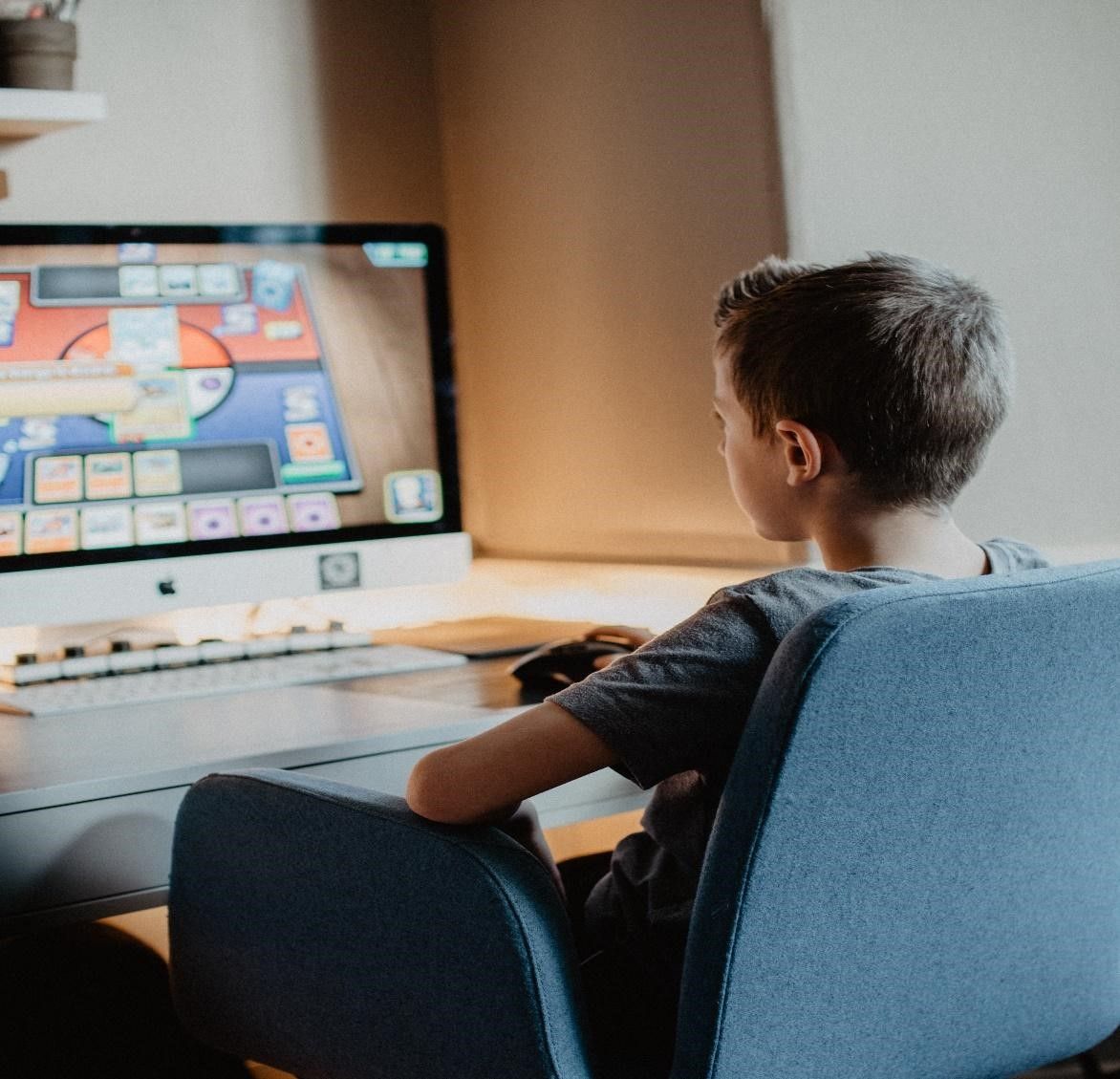
Yes, a kid can be a game developer, and making a first game is more achievable than most parents expect. Game development is a skill that can be learned and practiced at any age, and many successful game developers started building games when they were children. Some of the youngest shipped published games before they finished middle school. The best part: a kid can make a game with no coding at all to start, using tools built for young learners, so a curious child does not need a computer-science degree to begin.
For example, there are programming languages and game development tools that are designed specifically for kids. Platforms like Scratch, Kodu, and GameMaker Studio are great for game development for kids. They are simple to pick up, and kids can build their own games without any advanced programming.
If your child loves playing games and keeps asking how they are made, that curiosity is a starting point worth nurturing. At SkoolOfCode, kids explore game building with tools like Scratch, Roblox Studio, and Python, learning by making something they want to play. Kids tend to progress fastest when a teacher helps them choose a tool and get unstuck. See how kids learn game development at SkoolOfCode.
In This Guide
- At what age can a kid become a game developer?
- Best game development tools and platforms for kids
- What is the first step toward game development?
- Steps to become a game developer
- Benefits for kids who become game developers
- Frequently asked questions
At What Age Can a Kid Become a Game Developer?
There is no age limit for becoming a game developer. Kids can start very young, and some have started building games before they turned ten.
The most important thing is that a child has an interest in game development and is willing to learn and practice the necessary skills. Game development for kids requires a good understanding of programming concepts, so a child should be able to read and write to start learning programming languages.
Many kids have become successful game developers. Here are a few examples:
- Thomas Suarez – At the age of 12, Thomas Suarez created a popular iPhone app called “Bustin Jieber.”
- Jordan Casey – Jordan Casey started coding at the age of 9 and released “Alien Ball vs Humans” at 12, becoming one of Europe’s youngest app developers.
- Robert Nay – At 14, Robert Nay built “Bubble Ball,” a puzzle game that topped the Apple App Store and was downloaded millions of times.
With the right resources and a bit of support, any kid can build solid game development skills and work toward games of their own.
Choosing the right tool is easier when your child has a teacher to guide them. Our coding classes for kids walk children through Scratch, Roblox Studio, Python, and HatchXR step by step, so they spend less time stuck and more time building games they are proud of. Explore our game development classes for kids.
Best Game Development Tools and Platforms for Kids
There are several game development tools and platforms that are suitable for kids. Here are a few tools for game development for kids:
- Scratch – Scratch is a free programming language and online community developed by MIT. It is designed to help kids learn to code and create interactive stories, games, and animations. Scratch uses a block-based programming interface, which makes it easy for kids to create their games without needing to learn complex programming languages.
We offer coding classes for kids, including Scratch courses. You can see them all on our curriculum page.

- Kodu – Kodu is a visual programming language developed by Microsoft. It is designed to teach kids the basics of programming and game design by allowing them to create their own 3D worlds and games. Kodu is intuitive and easy to use, making it a great option for younger kids just starting game development.
- Game Maker Studio – Game Maker Studio is a game development engine that is popular among beginners. It has a drag-and-drop interface that makes it easy to create games without needing advanced programming skills.
- Construct – Construct is a game development platform that is designed to be easy to use and requires no coding experience. It has a visual editor that allows kids to create games using drag-and-drop tools. Construct also has built-in physics and collision detection systems, which can be useful for creating more complex games.
- Roblox Studio – Roblox Studio is a game development platform that is popular among kids. It allows them to create their own games and experiences using the Roblox engine and publish them for others to play. Roblox Studio uses Lua, a simple programming language that is easy to learn.
- HatchXR – HatchXR is a very popular platform to build 3D games and is free to use. It lets kids create 3D games quickly.

All of these are beginner-friendly, so a curious kid can start building right away with whichever tool fits.
What Is the First Step Towards Game Development?
The first step for a kid to become a game developer is to develop an interest in game development. They can start by playing games and thinking about how they are made. They can also watch videos or read articles about game development to learn more about the process.
Once they have developed an interest in game development, the next step is to start learning the basics of programming. There are also many game development tools and engines that are designed for beginners which can help them get started.
As they learn programming and game development concepts, they can start practicing by creating simple games and gradually move on to more complex ones. There are many online coding classes for kids which can be very helpful. Joining online communities, attending game development events, and seeking feedback from others can also help them improve their skills and connect with other young game developers.
Steps to Become a Game Developer
A kid can become a game developer in five steps: choose an engine, learn programming basics, build practice games, join a community, and attend events.
- Choose a game development engine: Game engines are software tools that help create games. For beginners, some popular engines include Scratch, Kodu, GameMaker Studio, and Unity. A kid can start with a simple engine like Scratch and then progress to more advanced ones like Python or Java as they gain more experience.
- Learn the basics of programming: A few core coding ideas go a long way.
- Practice and create games: The best way to learn game development is by creating games. A kid can start by creating simple games and gradually move on to more complex ones. They can join coding classes to gain a good understanding of the coding concepts.
- Join a community: There are many online communities where game developers share their knowledge and experiences. A kid can join forums, participate in game jams, and connect with other game developers to learn and improve their skills.
- Attend game development events: Attending game development events like conferences, workshops, and game jams can provide a kid with valuable experience and networking opportunities.
Benefits for Kids Who Become Game Developers
- Develops problem-solving and critical-thinking skills: Game development requires the ability to solve complex problems and think critically. By working on game development projects, kids can improve these skills, which can help them in other areas of their lives.
- Boosts creativity and imagination: Game development for kids allows them to use their creativity and imagination to create unique games and worlds.
- Improves teamwork and collaboration skills: Game development often involves working as part of a team to create a game. This can help kids develop teamwork and collaboration skills, which can be useful in school, work, and other areas of their lives.
- Enhances technical skills: Game development involves learning programming languages and other technical skills, which can be useful in other areas of technology and computer science.
- Provides a sense of accomplishment: Completing a game development project can provide a sense of accomplishment and boost self-esteem, which can be important for kids’ mental health and well-being.
These are the same problem-solving and creative habits that help kids in school, not only on screen. Game development for kids builds skills that carry well beyond the game itself.
Game development takes time and practice. A child needs patience and persistence, and should be prepared to put in the effort to learn and practice their skills. What matters most is steady practice and a child who enjoys the process; the skills build from there, and a kid can start at any age.
Frequently Asked Questions
Can a kid make a game without coding?
Yes. Tools like Scratch, Kodu, and Construct use drag-and-drop blocks, so a child can make a game without coding at all. Coding skills grow naturally later, as they move on to platforms like Roblox Studio and Python.
Can a kid make a game for free?
Yes. Scratch, Kodu, and HatchXR are free to use, and Roblox Studio is a free download. A kid can build and even publish a first game for free, which makes game development an easy hobby to try before paying for anything.
At what age can a kid start making games?
There is no fixed age. Many kids begin with block-based tools like Scratch around ages 7 to 9, then move on to Roblox Studio or Python by ages 10 to 12. Reading ability and interest matter more than a strict age.
Can a 10- or 12-year-old make a game?
Absolutely. By ages 10 to 12 most kids can build complete games in Roblox Studio or Python, and young developers like Thomas Suarez shipped an app at 12. This is a great age to move past drag-and-drop into real programming.
Can a kid make a game on a phone or tablet?
Yes. Several beginner tools run in a browser or as an app, so a kid can make a game on a tablet or phone without a powerful computer. A laptop helps for bigger projects, but it is not required to start.
How can a kid make a Roblox game?
A kid makes a Roblox game in Roblox Studio, a free tool that uses the Lua programming language. They start from a template, build the world, then add simple Lua scripts for movement and scoring. Guided classes help kids go from playing Roblox to building it.
Who are some of the youngest successful game developers?
Several kids have shipped games that other people play. Thomas Suarez released an iPhone app at 12, Jordan Casey released his first game at 12 after years of self-taught coding, and Robert Nay topped the App Store with Bubble Ball at 14.
Are online coding classes worth it for game development?
For most kids, yes. A teacher helps a child pick the right tool, get unstuck quickly, and finish a project they are proud of. That steady momentum is what turns curiosity into game development skills.
SkoolOfCode offers coding classes for kids with hands-on exposure to coding concepts and game development. Visit our website to see what we offer, or book a trial class now.
By – Ms. Vineeta Chaudhary, an Educator at SkoolOfCode with a B.E. in Computers. She is an expert in block-based coding, which includes platforms like Scratch, MIT App Inventor, and Thunkable.