
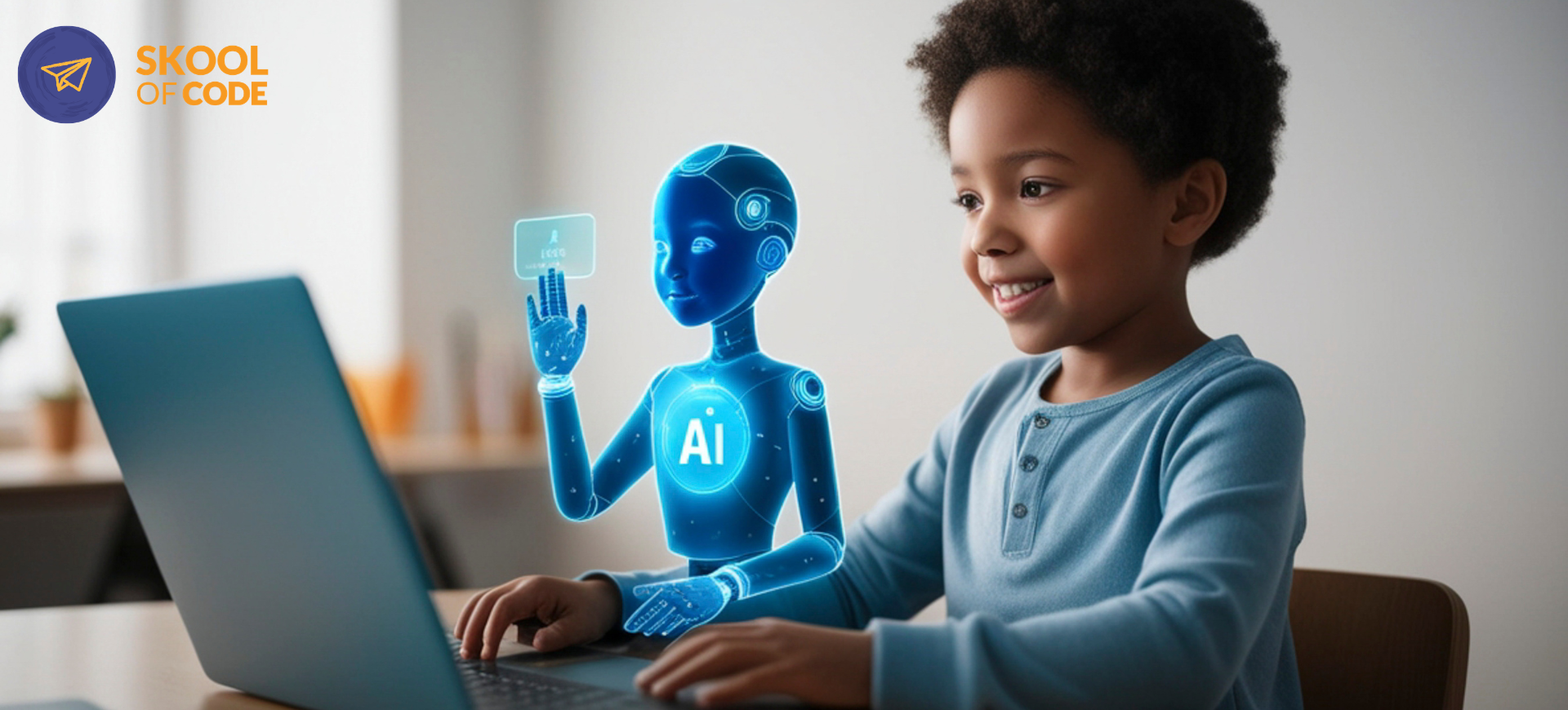
If you walked into a middle school computer lab five years ago, you would likely see students making a cat dance in Scratch or building a basic “Hello World” website. Today, the scene has shifted. In 2026, AI projects for kids have moved from experimental novelties to functional tools that interact with the real world in ways we couldn’t have predicted a decade ago.
We often hear from parents who are both amazed and a little unsettled by what their children are creating. One week, a ten-year-old is training a model to recognize different types of recycling. The next, they might be using a generative tool to “write” an entire history essay in thirty seconds.
At SkoolOfCode, we see this transition every day in our online coding classes for kids. The creative floor has dropped, meaning kids can build things that look professional much faster than before. However, the thinking ceiling is higher than ever. When we teach these concepts, we focus on the “why” behind the algorithm. In our experience, the most successful students aren’t the ones who can prompt the fastest, but the ones who understand the logic layer beneath the AI.
Here is what students are actually building with AI right now, the specific trends we believe parents should watch, and how to tell if your child is actually learning or just copy-pasting.
What Kids Are Actually Building (The High-Value Projects)
The most successful AI projects for kids this year aren’t just about using a chatbot. They are about integrating machine learning into logic-based programs. When a child moves from being a user to a creator, the “magic” of AI turns into a set of understandable mechanics.
1. Personalized AI Chatbots with Intent
This remains the most popular gateway project. Using platforms like Scratch with AI extensions, students are building bots that don’t just follow a script but actually learn intent.
Common student creations include:
- Study Buddies: Bots that quiz students on Spanish vocabulary or science facts, providing hints when the student gets stuck.
- RPG Narrators: Narrative engines that generate a unique adventure story based on player choices, ensuring no two games are the same.
- Mood Trackers: Simple interfaces where a user types how their day went, and the AI suggests a song or activity to match their mood.
2. Image Recognition and Classification
Using tools like Google’s Teachable Machine, middle schoolers are training their own models. This teaches them the fundamental concept of “training data.”
One of our students recently built an “Eco-Sorter” app. They took 200 photos of plastic, paper, and glass, trained a model to recognize the difference, and then wrote a Python script to trigger a notification when the camera saw “trash” in the “recycling” bin. This project is a classic example of how coding vs. AI for kids works best when they are taught together.
3. Predictive Data Modeling
This is where the math becomes real. Older students are using historical data to build weather predictors or “Sentiment Analyzers.”
By feeding a program a list of movie reviews, they can teach the AI to determine if a new review is “happy” or “angry.” This helps them understand that AI isn’t magic; it is simply a pattern-recognition engine. We often see students use these skills to predict trends in their own screen time or build recommendation engines for their friends’ favorite books.
4. AI-Enhanced Robotics
Hardware is no longer static. With tools like the mBot, kids are adding “Vision AI” modules. Instead of a robot just stopping when it hits a wall, it can now be programmed to “find the red ball” or “follow the person wearing a blue shirt.”
This level of interaction requires a deep understanding of loops and conditional logic, which we emphasize in our AI and robotics for kids curriculum. Seeing a physical object respond to an AI model they trained themselves is often the moment coding “clicks” for a frustrated student.
The Problem of “Hollow Building” in AI Projects for Kids
As the tools become easier to use, the risks of “hollow building” increase. This is a term we use for when a child produces a result without understanding the process. There are three specific ways we see kids using AI that can actually hinder their development.
The “Black Box” App
We often see kids “building” complex apps by asking an AI to write 500 lines of code, then copy-pasting it into a file. If the app works, the child feels like a genius. But if you ask them why line 42 is there, they have no idea.
This creates a false sense of competence. In our experience, the difference between a kid who uses AI and one who understands it comes down to whether they can debug the code without the AI’s help. If a child is curious about these projects, the easiest way to find out if they are truly learning is to have them explain the logic to an educator.
The Homework Completion Machine
Tools like Photomath or Socratic are incredible for showing the “how” behind a problem. However, many students use them as “answer dispensers.”
If a child uses AI to solve a math problem without attempting it first, they aren’t learning logic. They are learning how to outsource their brain. We encourage parents to set a “self-check only” rule for these tools to ensure the child’s critical thinking skills don’t atrophy.
Deepfakes and “Prank” Media
This is the most serious concern we face as educators. Generative AI makes it easy to swap faces in videos or clone voices. Kids often see this as a harmless joke, like making a teacher say something silly.
We spend a significant amount of time on AI ethics for kids to explain that once these images are shared, the harm is real. Teaching digital citizenship is now just as important as teaching syntax.
Why the “How” Matters More Than the “What”
It is tempting to look at a child’s finished AI project and be impressed by the polished graphics or the fluid conversation. But as educators, we care more about the messy middle.
If a child builds an AI weather predictor, we ask them these specific questions:
- Where did you get the data? Understanding the source is the first step in identifying bias.
- Was the data biased? For example, did you only use data from sunny California to predict weather in rainy Seattle?
- What happens if the AI is wrong? This teaches them to build “fail-safes” into their code.
Answering these questions is what builds true AI Literacy. Without this foundation, a child is just a consumer of someone else’s algorithm.
How to Support Your Child’s AI Journey
If your child is showing interest in AI projects for kids, the best thing you can do is move them toward “Creator” mode rather than “User” mode. Here is a simple checklist to keep them on the right path:
- Start with Logic: Ensure they have a grasp of basic sequences and loops. If they are under 10, starting with block-based coding is still the gold standard for building the “mental muscles” needed for AI.
- Focus on Problems, Not Tools: Instead of saying “Let’s use ChatGPT,” ask “What is a problem in our house we could solve with a smart program?”
- Audit the Code: If they use AI to help write code, have them explain it back to you line by line. If they can’t explain it, they shouldn’t use it.
- Discuss the Ethics: Talk about the “why” behind the project. Is this helpful? Does it respect other people’s privacy?
At SkoolOfCode, we believe AI is a tool that should amplify a child’s thinking, not replace it. Our curriculum is designed to take students from the “magic” of AI to the “mechanics” of how it actually works. We focus on project-based tracks where every line of code—whether written by a human or suggested by an AI is understood by the student.
Picking between Scratch and Python for these projects is the kind of question that’s easier to answer with one class than with another article. Our free trial class lets your child try the path you’re leaning toward; the educator can flag if a different starting point would fit their current level better.
If you’re curious whether coding and AI might fit your child’s interests, our free trial class is a low-stakes way to find out. One class, no commitment, and an educator matched to your child’s level. Most parents who book a trial aren’t sure if their child is ready for advanced AI projects for kids yet—that is exactly what the trial is for. We provide a recording of the session for you to review, and no credit card is required to get started.