
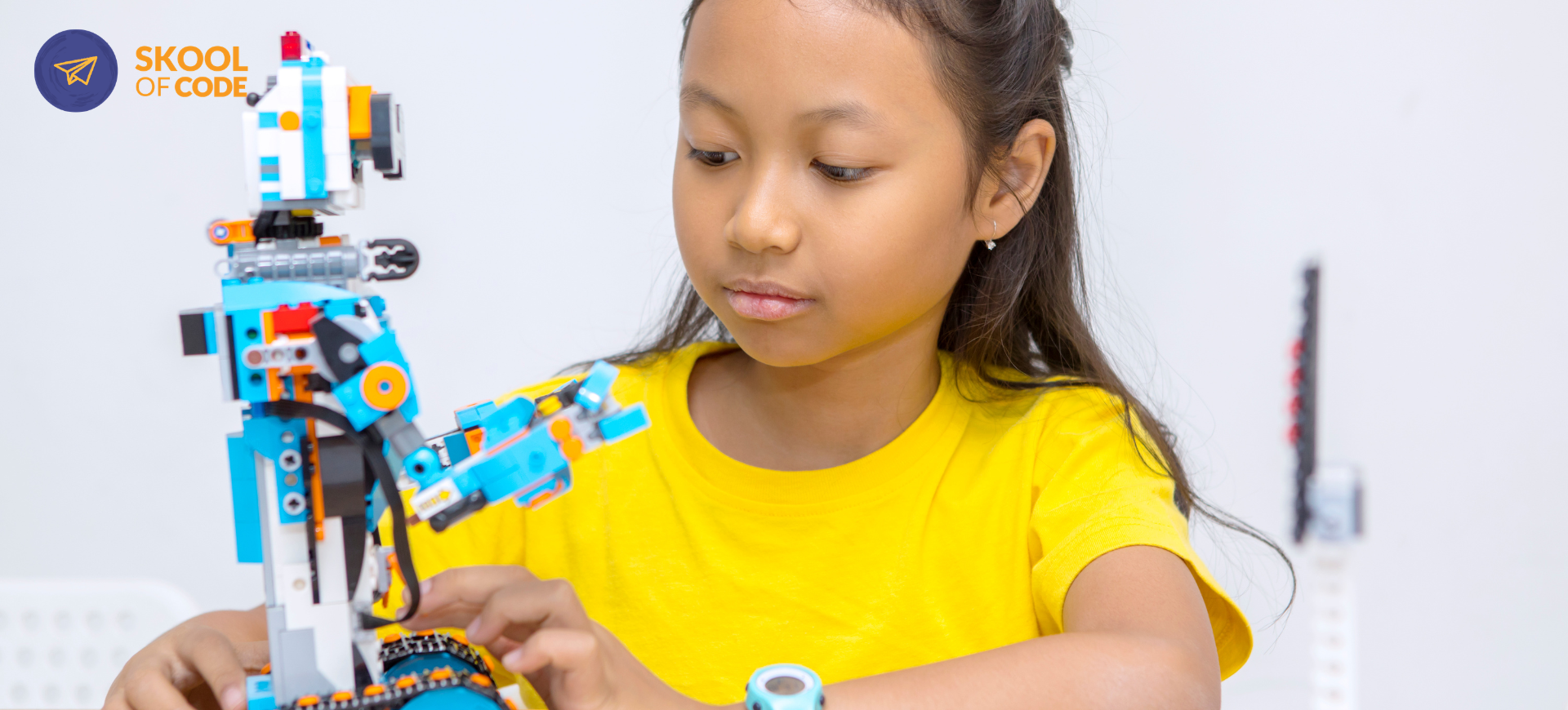
Robotics vs Coding for Kids: How to Choose the Right First Step
Most parents arrive at this question after watching their child do one of two things. Either the child has spent three hours building an intricate, functioning city in Minecraft, or they have just taken apart a remote-controlled car to see how the “brain” works.
In both cases, you know they have the spark for technology. But when you start looking for the next step, you are met with a wall of options. Do you buy a $200 robotics kit that might end up gathering dust under the bed? Or do you sign them up for a coding class where they might stare at a screen for another few hours a week?
The Robotics vs Coding for Kids debate isn’t about which subject is “better” or which leads to a better job in 2030. It is about how your child prefers to solve problems. In our experience teaching online coding classes for kids, we have found that while the two fields overlap, they attract very different kinds of thinkers.
If you are curious how these different paths look in practice, you can book a free trial class to see which environment clicks with your child’s learning style.
What is Coding? The Logic of the Screen
At its core, coding is about software. It is the art of giving a computer a sequence of instructions to create a digital result. When a child learns to code, they are working in a world of pure logic and infinite possibilities.
What it builds:
- Logical Sequencing: Understanding that Step A must happen before Step B.
- Abstract Reasoning: Thinking about variables and data that they cannot physically touch.
- Rapid Iteration: In code, you can change a line and see the result instantly. There is no “physical” cost to making a mistake.
For many beginners, this journey starts with block-based languages. If you are weighing different starting points, our comparison of Scratch vs Python for kids explains why the visual “Lego-style” blocks of Scratch are often the best bridge into this digital world.
What is Robotics? The Logic of the Physical World
Robotics includes coding, but it adds two massive layers: engineering and physics. A robot is a physical machine that interacts with its environment. In robotics, your “code” has to account for things like gravity, friction, and the fact that a sensor might get confused by a shadow.
What it builds:
- Spatial Awareness: Understanding how a machine moves through 3D space.
- Resilience: In robotics, things break physically. A wire comes loose, or a motor isn’t strong enough. This teaches a unique kind of “hands-on” patience.
- Hardware Literacy: Learning about circuits, sensors (like infrared or ultrasonic), and microcontrollers like Arduino or ESP32.
Many families find that every child should learn robotics because it makes the abstract concepts of math and science tangible. When a child sees that their math equation actually makes a robot turn 90 degrees, the lesson sticks.
Robotics vs Coding for Kids: A Head-to-Head Comparison
| Feature | Coding (Software) | Robotics (Hardware + Software) |
|---|---|---|
| Primary Environment | Digital (Screen-based) | Physical (Real-world interaction) |
| Main Challenge | Logical errors and “bugs” | Mechanical failure + logic bugs |
| Instant Gratification | High (Change code, see result) | Moderate (Building takes time) |
| Cost to Start | Low (Laptop + internet) | Moderate to High (Requires kits) |
| Core Skill | Computational Thinking | Design Thinking & Engineering |
Which Path Suits Your Child?
Instead of looking at the technology, look at your child’s play patterns. We often see two distinct “types” in our classes.
The “Architect” (Best for Coding)
Does your child love puzzles? Do they enjoy building complex stories, designing characters, or spending hours in digital worlds like Roblox or Minecraft? These children often prefer the “infinite sandbox” of coding. They want to create games, apps, and animations where the only limit is their imagination.
The “Tinkerer” (Best for Robotics)
Does your child constantly take things apart? Are they the ones who build elaborate marble runs or spend their weekends with Lego Technic? These children usually thrive in robotics. They need to see the physical result of their work. They find it more satisfying to make a real-life motor spin than to make a digital sprite jump.
Finding the right fit is often easier with a diagnostic session. A <a href=”https://skoolofcode.us/parent-register?utmsource=blog&utmmedium=link&utm_campaign=blog-trial”>free trial class lets an educator observe how your child interacts with the material and give you an honest recommendation on where to start.
Age-Appropriate Starting Points
The Robotics vs Coding for Kids decision also shifts as a child grows. Here is how we usually structure the progression:
Ages 7 to 9: The Exploration Phase
At this age, the goal is to build “computational thinking” without the frustration of typing.
- Coding: Scratch is the gold standard. It’s colorful, social, and teaches the logic of loops and variables.
- Robotics: Look for “plug-and-play” kits like mBot or Dash and Dot. These avoid complex wiring but show the joy of building and coding robots.
Ages 10 to 13: The Integration Phase
This is the “sweet spot” for robotics. Children have the fine motor skills to handle wires and the logical maturity to understand sensors.
- Coding: Transitioning from blocks to Python.
- Robotics: Moving into IoT (Internet of Things) and AI-integrated robotics. This is where they learn how a robot can “see” using a camera or “think” using a basic machine learning model.
Ages 14 to 17: The Specialization Phase
Teens usually gravitate toward one or the other based on their career interests.
- Coding: Focuses on web development, data science, or advanced AI.
- Robotics: Involves complex microcontrollers like Arduino, 3D design (CAD), and sophisticated engineering challenges.
If you are leaning toward the hands-on path, our robotics track for ages 9 to 13 is designed to bridge this gap by including IoT and AI. It’s a great way to book a free trial class and see if the hardware-software mix is what sparks their interest.
How They Eventually Connect: The Rise of AI and IoT
In the real world, the wall between robotics and coding is disappearing. We live in the era of “Smart Everything.”
A self-driving car is just a very large robot. A smart thermostat is an IoT device. Both require high-level coding and sophisticated hardware. When a child starts with either path, they are eventually going to need the other.
At SkoolOfCode, we don’t treat them as separate silos. Even our robotics students spend significant time mastering the logic of code, because a robot without good code is just a paperweight. Similarly, our coding students learn how their software can interact with the real world through APIs and AI models.
How to Try Both Cheaply Before Committing
You don’t need to spend $500 on a kit to find out if your child likes robotics. Here are three realistic ways to test the waters:
- Virtual Robotics: Platforms like VEXcode VR or Open Roberta allow kids to “code” a physical robot in a 3D simulation. It’s 100% free and tests their interest in the logic of movement.
- Unplugged Activities: Use household items to build “logic puzzles.” If they enjoy the “engineering” of a Rube Goldberg machine, they are likely ready for robotics.
- The “One-Class” Rule: Before buying a kit, book a single live session. An educator can provide the “software” side of robotics virtually, or guide them through a coding project, to see which one keeps them engaged past the 30-minute mark.
The Honest Verdict
If your child is easily frustrated by physical things breaking or prefers the creative freedom of storytelling and art, start with coding. It is cleaner, faster, and more accessible.
If your child is a “hands-on” learner who needs to see how things work in the real world to stay engaged, start with robotics. The extra challenge of hardware is often exactly what keeps them from getting bored.
Ultimately, the best path is the one your child will actually stick with. Tech education shouldn’t feel like another chore on the schedule. It should feel like the one hour a week where they get to be the inventor.
If you’re still not sure which path fits your child’s personality, we can help. Our educators are trained to match the curriculum to the student’s level and interest.
Book a free trial class today. Pick a time that works for your family, tell us a bit about what your child enjoys, and we will help you find that perfect first step.
— The SkoolOfCode Team